
Every lead gets a reply. And it counts.
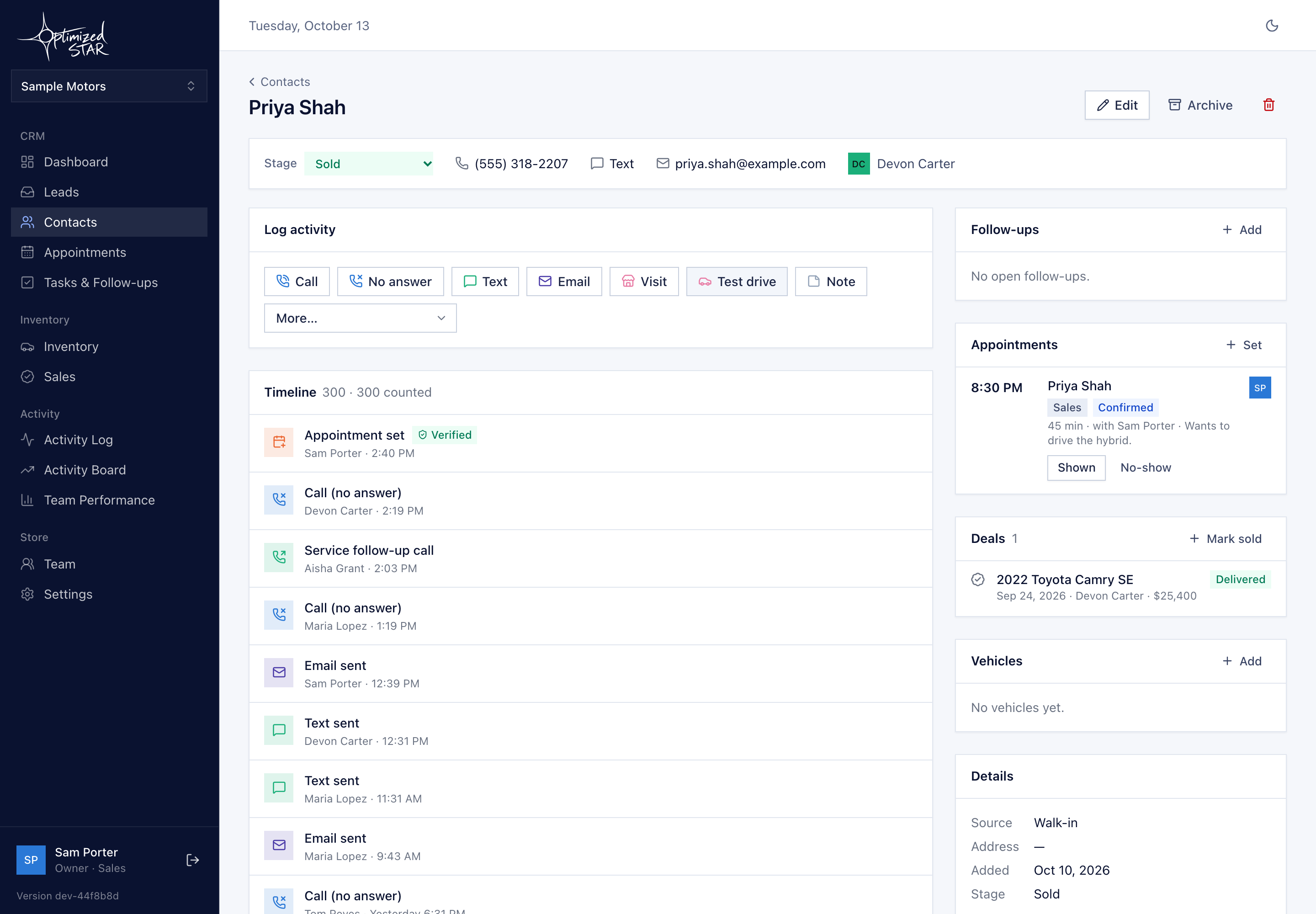
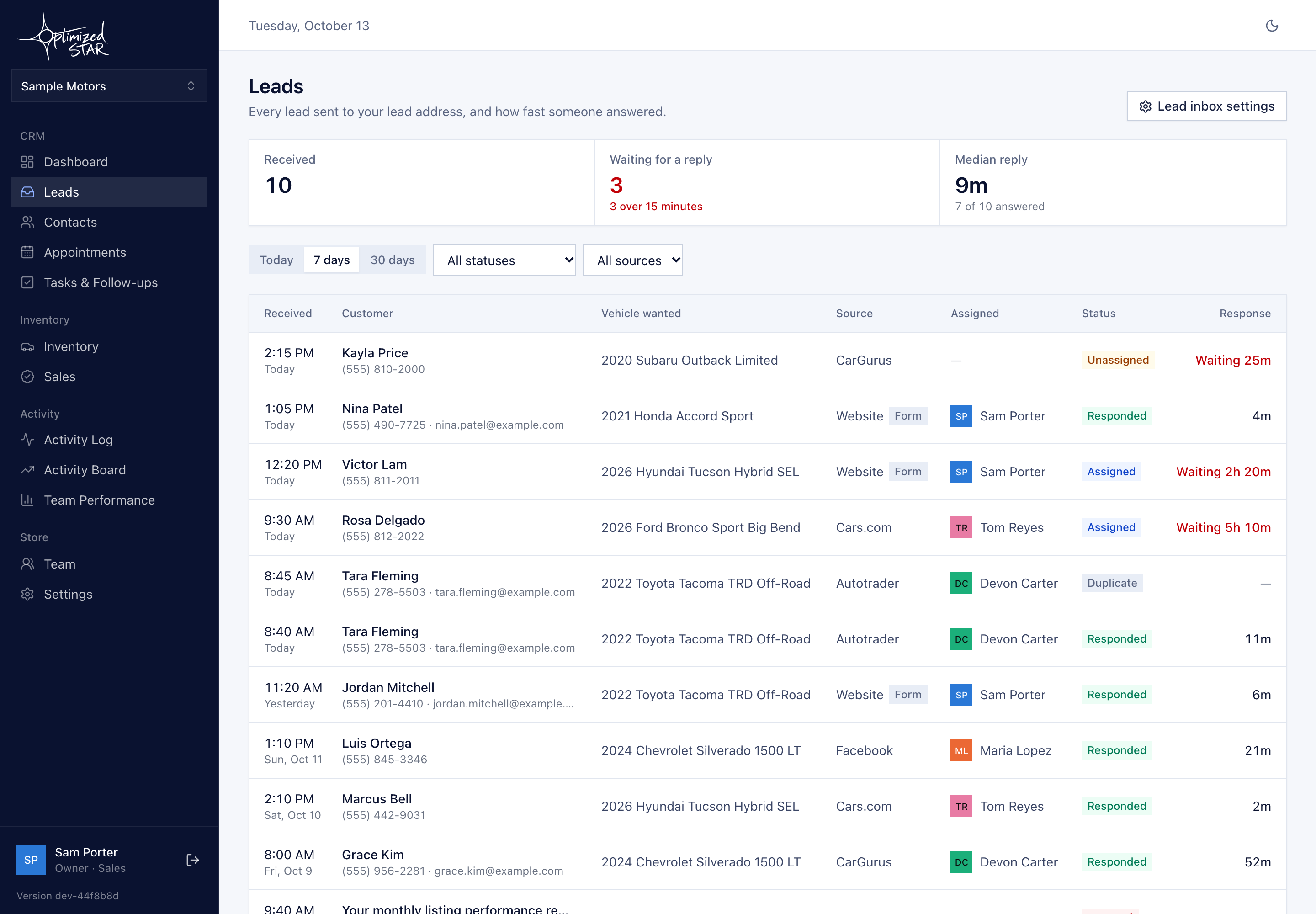
Replying to a lead is logged as its own activity and counts toward the daily goal, so it shows up on the board the same day. Next on the roadmap: leads that arrive in the CRM on their own, with a follow-up task assigned and a clock showing how long each has waited.
What it does today
- "Lead responded to" is its own activity type and counts toward the goal.
- A follow-up task on every lead, added from the customer's page and assigned to a person.
- Every reply on the customer's timeline, so the next person sees what was said.
Coming next
- Website leads from sites we build arriving in the CRM on their own.
- A follow-up task assigned automatically when a lead arrives.
- A response clock showing how long each lead has waited.
- Third-party leads through an ADF/XML lead inbox.
How it works, day to day
A form comes in from your website at 7:40pm. The BDC agent on shift adds the customer, replies and logs "lead responded to", and sets the next follow-up task. The reply counts toward their goal and shows on the board.
Once automatic intake ships, the lead will arrive in the CRM with the task already assigned, and the manager will see how long each lead waited.
Questions
How fast should we respond?
As fast as you can staff for. We'd rather help you measure your current speed first. More in How fast should a BDC respond?
See how it would work at your store.
Book a 30-minute walkthrough of the CRM with sample data and, if you want, a look at your website.