
Early version. A short first pass; a fuller version is on the way.
One profile doing two jobs
Many dealerships run sales and service from one Google Business Profile. That listing ends up showing sales hours, the main phone number and showroom photos to someone who needs an oil change. Google allows separate profiles for some departments; check its current guidelines before you set one up.
Categories and hours
Pick the primary category that matches what the department does, then add service-specific secondary categories. Set the service department's real hours, including early drop-off and Saturdays, and update holiday hours before each holiday, not after.
Services and a booking link
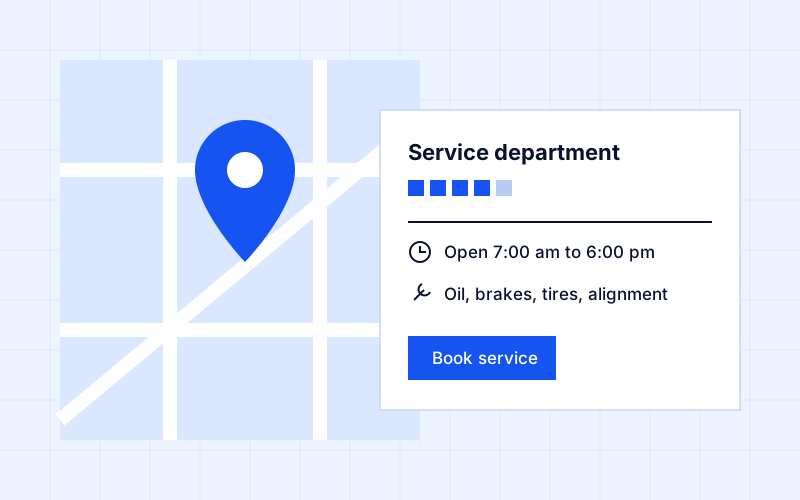
List the services people search for, such as oil changes, brakes, tires, alignments and inspections, in plain words. Add a booking link that goes straight to service scheduling, not to your homepage.
Photos of your actual service drive
Show the service drive, the waiting area, the shop and the people who work there. Real photos tell someone what to expect when they pull in; stock photos and showroom shots don't.
Reviews from service customers
Ask service customers for a review soon after the visit, while it's fresh. Reply to every review, good or bad, with something specific, and keep replies short and polite.
Tracking calls from the profile
Put a tracked number on the profile and list your main number as an additional number, so the listing stays consistent. Then you can see how many calls the profile brings in and whether someone answered them.